

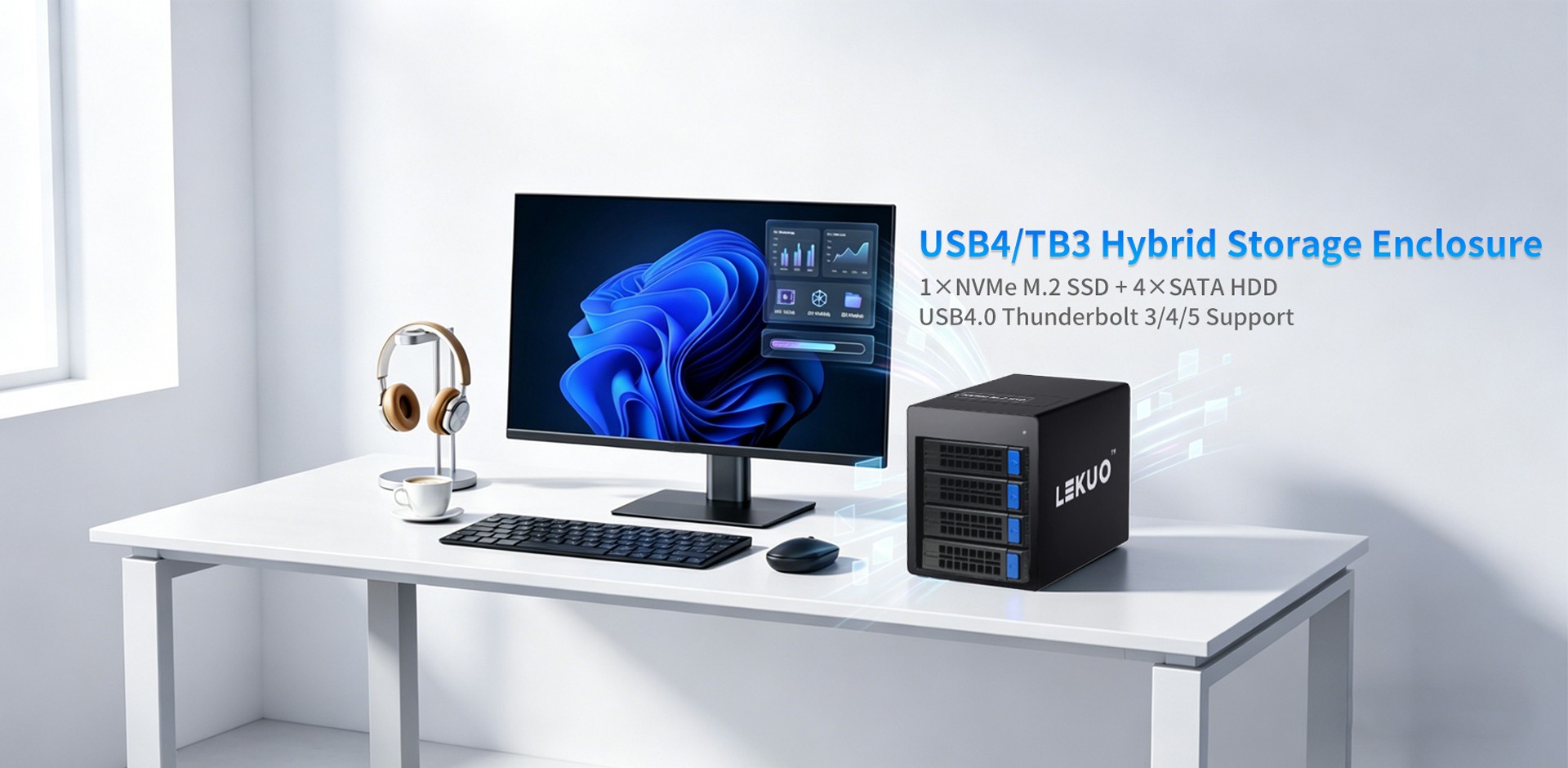
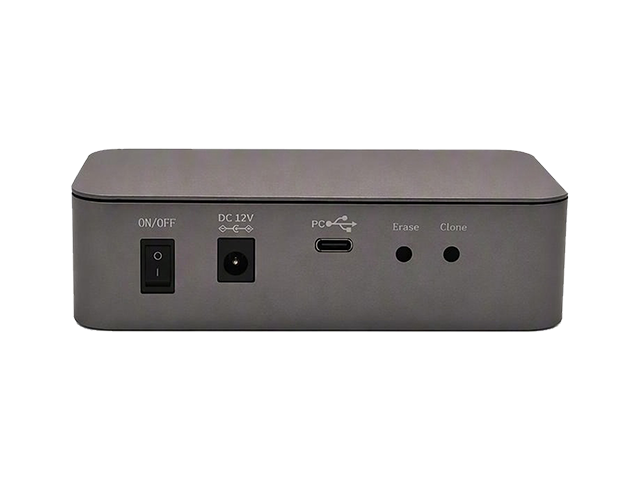
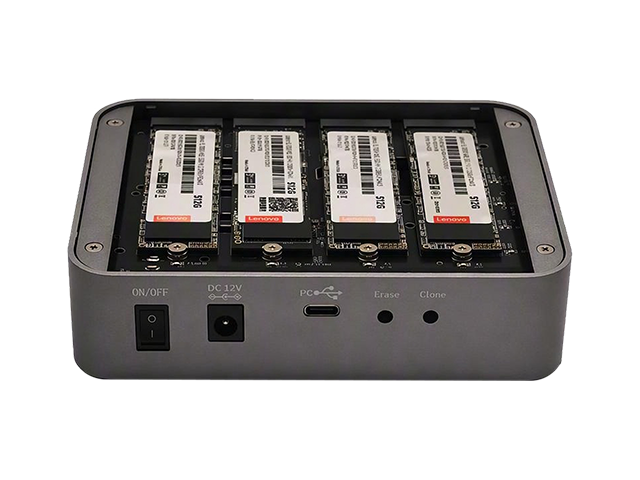
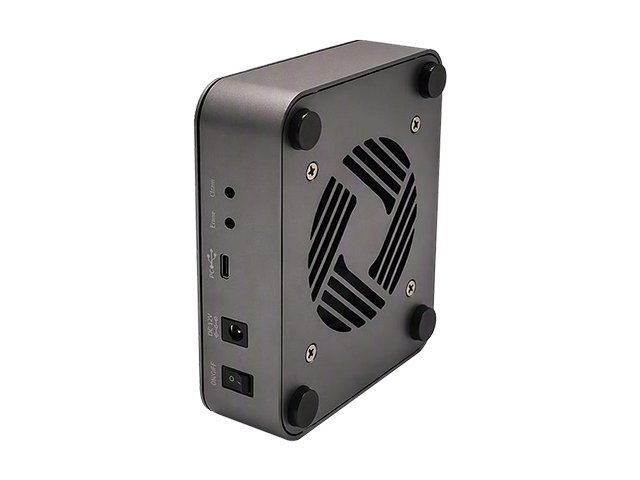
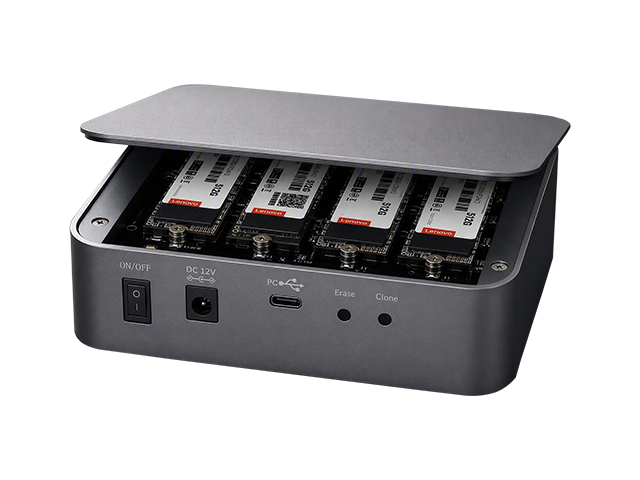
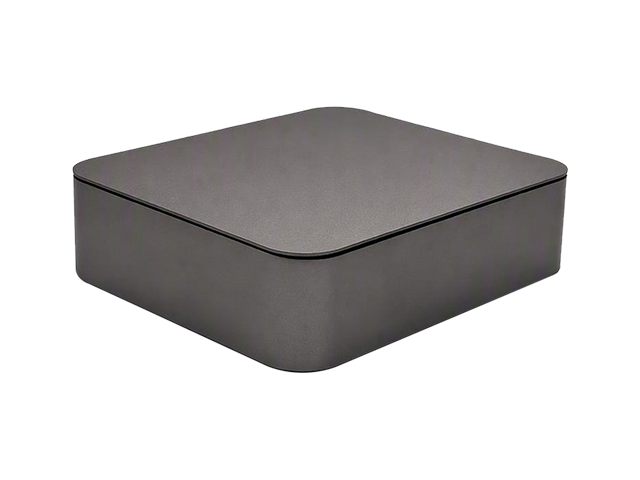
This is a 4-bay M.2 NVMe desktop DAS in a 133.8 × 113 × 39.8 mm chassis. Four M.2 NVMe slots (2230 and 2280) sit behind a USB4 Type-C upstream link rated at up to 40 Gbps, backward compatible with USB 3.2 and USB 3.0. The body is 6063 extruded aluminium,
ModelDU40M41
Input InterfaceUSB4.0
Output Interface4×M.2 NVMe
Motherboard SlotUSB4.0
Transmission RateUSB4.0 Speed
Auxiliary Accessories
Product Size133.8×113×39.8 mm
A 4-bay M.2 NVMe external storage tower with a USB4 Type-C upstream link rated at up to 40 Gbps. Four M.2 NVMe slots (2230 / 2280), offline clone and offline erase, and a 6063 extruded aluminium body with an 80 mm dual-ball-bearing fan, in a 133.8 × 113 × 39.8 mm chassis that sits on a desk.
1. Positioning
A 4-bay M.2 NVMe external storage tower with a USB4 Type-C upstream link rated at up to 40 Gbps.
Core applications: multi-drive NVMe expansion, private-cloud and PC storage expansion, data backup, video editing, and NAS RAID deployment.
Additional capabilities: offline full-drive clone and offline full-drive erase, suited to batch deployment, data migration, and drive retirement and recycling.
Construction: 6063 extruded aluminium, anodized body; 1.2 mm SECC inner frame; magnetic top cover; 80 mm dual-ball-bearing fan.
Compact footprint: 133.8 × 113 × 39.8 mm, designed for desktop placement.
3. Feature Highlights
3.1 Four NVMe Drives over USB4
Four M.2 NVMe slots make this unit better suited than a single-slot NVMe enclosure to high-speed media drives, backup drives, and NAS expansion.
40 Gbps over USB4 is theoretical bandwidth. It suits high-speed NVMe, but all four drives share the upstream link — none of them gets 40 Gbps to itself.
3.2 Offline Clone and Offline Erase
This is the unit's most distinctive capability, and it only works with the USB cable disconnected.
Offline Erase
Power on and wait until the A / B / C / D LEDs are steady.
Press and hold the Erase button for 4 seconds, until the yellow Erase LED blinks and the A / B / C / D LEDs go out, then release.
Press briefly (2 seconds) to start the offline full-drive erase.
The yellow progress LEDs count down from 100% to 25%; once all of them go out, the erase is complete.
Risk — All data on every drive is permanently deleted and cannot be recovered. A power loss mid-way leaves the erase incomplete.
Offline Clone
Press and hold for 4 seconds to arm the safety lock, then press briefly (2 seconds) to start.
The yellow progress LEDs count up from 25% to 100%; a steady display means the clone is complete.
Bay A is the source; bays B / C / D are the targets.
Each target drive must have at least as much capacity as the source, otherwise the clone will not start. Data on the target drives is overwritten.
A power loss mid-way aborts the clone, and it must be restarted from the beginning.
3.3 LEDs and Status
Power LED — steady while powered.
Bay LEDs A / B / C / D — the documentation table states "steady blue when an SSD is detected, blinking blue during read/write".
Clone / erase progress bar — yellow; clone runs 25% → 100%, erase runs 100% → 25%.
Note — the clone and erase procedures also state "the A / B / C / D green lights turn off", so the blue and green descriptions are inconsistent. Confirm the actual colour against the physical unit.
4. Typical Use Cases
Desktop 4 × NVMe high-speed expansion
Scratch and project drives for video editing
External storage for a private cloud or NAS
Multi-drive backup, batch cloning, and drive erasure
Laptop and desktop users who need a USB4 high-speed interface
Related Downloads
 Downloads
